
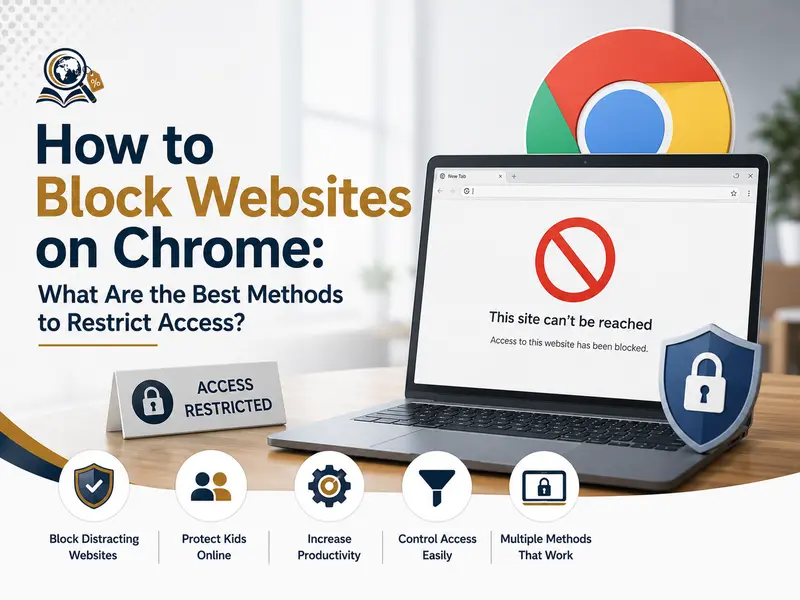
Blocking websites on Chrome is one of the most effective ways to improve productivity, enhance parental control, reduce distractions, and create a safer browsing environment. Whether you want to prevent access to social media during work hours, restrict inappropriate content for children, or manage internet usage in schools and offices, there are several reliable methods to know how to block websites on Chrome .
The best ways to block websites on Chrome include using browser extensions, Chrome settings, parental control tools, DNS filtering services, and device-level restrictions. Each method offers different levels of control depending on whether the goal is personal productivity, workplace management, or family safety.
In this guide, we will explore the most effective techniques, explain how they work, and help you choose the right approach based on your needs.
Why People Want to Block Websites on Chrome
Modern internet usage comes with constant distractions. Social media platforms, entertainment websites, online games, and other digital content can easily interrupt focus and productivity.
People usually search for ways to block websites on Chrome for reasons such as:
- Improving concentration during work
- Managing screen time
- Preventing access to harmful content
- Enhancing cybersecurity
- Creating child-safe browsing environments
- Restricting employee internet usage
- Reducing digital distractions
With remote work and online learning becoming more common worldwide, website blocking has become an important productivity and digital wellness strategy.
How to Block Websites on Chrome Using Browser Extensions
One of the easiest methods is using Chrome extensions specifically designed for website blocking.
These tools are beginner-friendly and usually require only a few minutes to configure.
Best Chrome Extensions for Blocking Websites
BlockSite
This is one of the most popular tools for restricting websites on Chrome.
Key features include:
- Website blocking
- Scheduled restrictions
- Focus mode
- Password protection
- Adult content filtering
Users can simply install the extension and add websites they want to block.
StayFocusd
This extension focuses more on productivity management.
It allows users to:
- Limit browsing time
- Restrict distracting websites
- Create browsing schedules
- Increase work focus
It is widely used by students and professionals who want better time management.
uBlacklist
This extension blocks unwanted websites from appearing in search results.
It is useful for improving search quality and reducing distractions.
Steps to Block Websites on Chrome with Extensions
The process is usually simple regardless of the extension used.
Install the Extension
Visit the Chrome Web Store and install your preferred blocking tool.
Examples include:
- BlockSite
- StayFocusd
Open Extension Settings
After installation:
- Click the extension icon
- Open settings or preferences
- Navigate to website restrictions
Add Websites to the Block List
Enter the URLs you want to restrict.
Examples:
- Social media websites
- Gaming platforms
- Streaming websites
- Adult content sites
Save the Changes
Most extensions apply restrictions immediately after saving settings.
How to Block Websites on Chrome Without Extensions
Some users prefer not to install browser extensions due to privacy concerns or organizational policies.
Fortunately, Chrome website blocking can also be done at the system level.
Using the Hosts File on Windows
The hosts file allows users to manually block websites across the entire device.
Steps for Windows Users
- Open Notepad as administrator
- Navigate to:
C:\Windows\System32\drivers\etc - Open the hosts file
- Add this format at the bottom:
127.0.0.1 facebook.com
127.0.0.1 www.facebook.com- Save the file
- Restart Chrome
The blocked website will no longer load properly.
Using the Hosts File on macOS
Mac users can edit the hosts file using Terminal commands.
This method is effective for device-wide website restrictions.
How to Block Websites on Chrome Using Google Family Tools
Parents often want safer browsing environments for children.
Using Google Family Link
This parental control platform allows families to:
- Monitor browsing activity
- Restrict websites
- Manage screen time
- Approve or block apps
It works well for Android devices and Chrome browsers connected to supervised accounts.
Benefits of Family Link
- Easy parental monitoring
- Child-safe browsing controls
- Usage reports
- App restrictions
- Device management
It is particularly useful for families introducing children to digital devices.
How Schools and Offices Block Websites on Chrome
Educational institutions and workplaces often require more advanced restriction systems.
DNS Filtering Services
DNS filtering blocks websites before they even load.
Popular services include:
- OpenDNS
- Cloudflare Gateway
These tools help organizations:
- Restrict inappropriate content
- Improve cybersecurity
- Increase employee productivity
- Reduce phishing risks
DNS-level blocking is harder to bypass compared to browser extensions.
Productivity Benefits of Blocking Websites on Chrome
Website blocking is not only about restriction. It is also about improving focus and digital discipline.
Reduced Digital Distractions
Social media and entertainment platforms constantly interrupt workflow.
Blocking them during work hours improves:
- Deep focus
- Task completion
- Time management
Better Mental Focus
Constant notifications and browsing habits reduce cognitive performance.
Website restrictions help users maintain attention on meaningful tasks.
Improved Workplace Productivity
Many companies use controlled browsing systems to improve operational efficiency.
This is increasingly common in:
- Remote work environments
- Educational institutions
- Corporate offices
- Training centers
Website Blocking for Students and Online Learning
Students often struggle with distractions during online study sessions.
Blocking distracting websites can:
- Improve concentration
- Increase study time
- Reduce procrastination
- Support exam preparation
Helpful Study-Focused Blocking Tools
Students frequently use:
- Forest
- Freedom
These tools encourage focused study habits and better digital discipline.
Can Users Bypass Website Blocking on Chrome?
Some website blocking methods are easier to bypass than others.
Extension-Based Blocking
Users can sometimes disable browser extensions manually unless password protection is enabled.
DNS and Network-Level Blocking
These restrictions are more secure because they work beyond the browser itself.
Organizations often combine:
- Browser restrictions
- DNS filtering
- Firewall rules
- Device management systems
for stronger control.
Common Mistakes When Blocking Websites on Chrome
Many users block websites incorrectly or use incomplete restriction methods.
Blocking Only One URL Version
Some people block:facebook.com
but forget:www.facebook.com
Both versions should usually be restricted.
Relying Only on Browser Extensions
Extensions are useful but may not provide full protection for workplaces or children.
Ignoring Mobile Access
Users may bypass desktop restrictions using smartphones or tablets.
Cross-device management is important for complete digital control.
Security and Privacy Considerations
Some browser extensions collect browsing data.
Before installing any tool:
- Check reviews
- Review permissions
- Verify developer credibility
- Avoid suspicious software
Trusted productivity and parental control tools are generally safer choices.
Cybersecurity awareness is especially important in modern digital environments.
Advanced Website Blocking Methods
Professionals and organizations often require enterprise-level control.
Router-Level Blocking
Some routers allow administrators to block websites for all connected devices.
This is useful for:
- Offices
- Schools
- Family networks
Firewall Restrictions
Enterprise firewalls can restrict:
- Website categories
- Specific domains
- Risky online behavior
These systems provide stronger security and management capabilities.
The Growing Importance of Digital Focus and Website Restrictions
Digital distractions have become a global productivity challenge.
Professionals in Pakistan, the US, and other countries increasingly use website blocking as part of:
- Productivity systems
- Focus improvement strategies
- Workplace optimization
- Digital wellness routines
As technology continues evolving, managing attention has become just as important as managing time.
Blocking distracting websites is now viewed less as restriction and more as intentional digital discipline.
Final Thoughts on How to Block Websites on Chrome
Understanding how to block websites on Chrome can significantly improve productivity, online safety, and focus.
The best method depends on your goals:
- Browser extensions work well for personal productivity
- Family tools support parental controls
- DNS filtering helps schools and businesses
- Router and firewall restrictions provide advanced protection
Modern internet users face constant distractions, making digital management tools more valuable than ever.
Whether you are a student, parent, teacher, professional, or business owner, using smart website restriction methods can create a healthier and more productive online experience.
Frequently Asked Questions
What is the easiest way to block websites on Chrome?
Using browser extensions like BlockSite is usually the easiest and fastest method.
Can I block websites on Chrome without installing extensions?
Yes. Users can edit the hosts file, configure DNS filtering, or use parental control systems without installing browser extensions.
How do parents block inappropriate websites on Chrome?
Parents commonly use tools like Google Family Link to manage browsing restrictions and screen time.
Are website blockers useful for productivity?
Yes. Many professionals block distracting websites to improve concentration, reduce procrastination, and increase workflow efficiency.
Can blocked websites still be accessed using another browser?
If restrictions are only applied in Chrome, users may access websites through other browsers. Device-level or network-level restrictions are more secure.
What is the most secure way to block websites?
DNS filtering, firewall rules, and router-level restrictions are generally more secure than browser-only extensions.taining consistency, developing routines, and focusing on relationship-building with students.
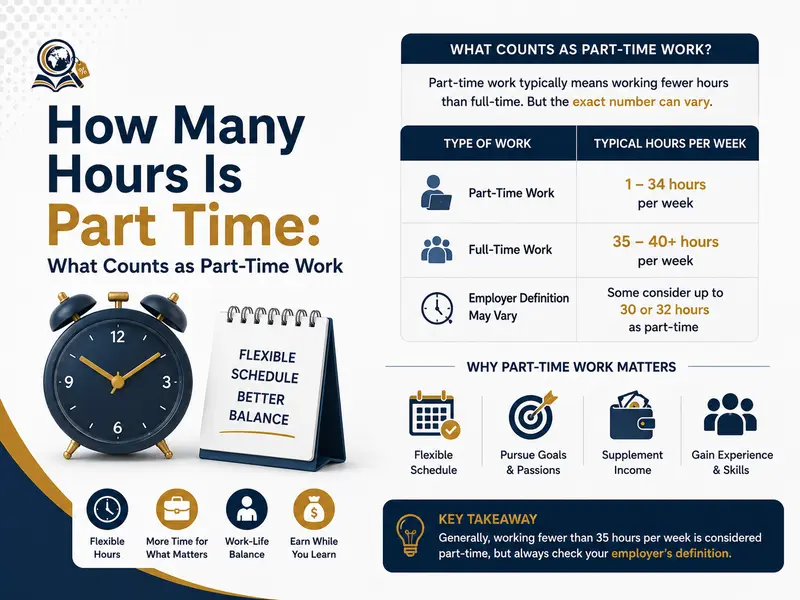
How Many Hours Is Part Time: What Counts as Part-Time
Part-time work generally means working fewer hours than a full-time employee. In most countries, including the United States and Pakistan,…


Small Business Ideas: Most Profitable Business Opportunities
Starting a business from a small business ideas, is no longer limited to large investments, office spaces, or huge teams….

Part Time Remote Jobs: What Are the Best Flexible Online
The best part time remote jobs are flexible online roles that allow professionals to earn income from anywhere while maintaining…

Meta Ads Library: How Marketers Use It to Analyze Competitor
The Meta Ads Library is a public transparency tool created by Meta Platforms that allows users to search and view…
How to Block Websites on Chrome: Best Method to Restrict
Blocking websites on Chrome is one of the most effective ways to improve productivity, enhance parental control, reduce distractions, and…
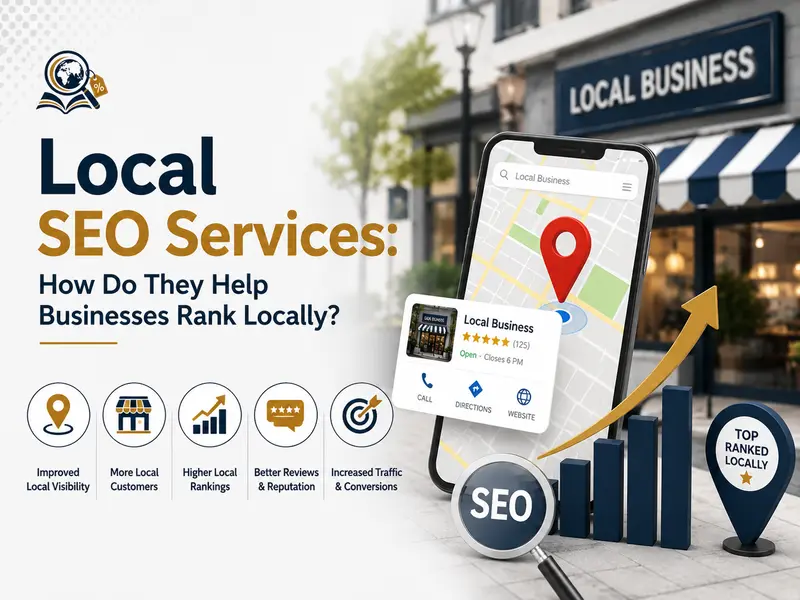
Local SEO Services: How Do They Help Businesses Rank Locally?
Local SEO services help businesses improve their visibility in location-based search results on search engines like Google. These services focus…
- How Many Hours Is Part Time: What Counts as Part-Time Work
- Small Business Ideas: Most Profitable Business Opportunities
- Part Time Remote Jobs: What Are the Best Flexible Online Jobs
- Meta Ads Library: How Marketers Use It to Analyze Competitor Ads
- How to Block Websites on Chrome: Best Method to Restrict Access